This article explains the configuration fields required to set up the TechShipWms plugin.
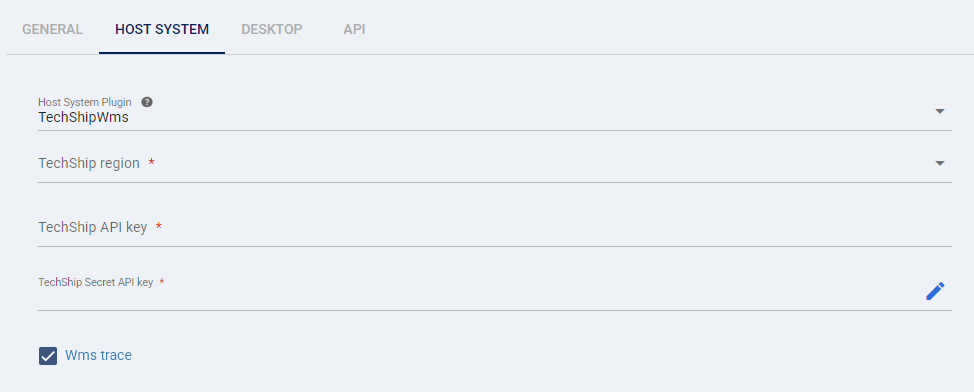
When onboarding/adding a new TechShip WMS location the following information needs to be provided and verified:
TABLE OF CONTENTS
To Be Provided
- TechShip region: Selects the specific techSHIP environment for your WMS imports (e.g., USA, Canada, Europe). You must choose the region that matches your issued API credentials.
- TechShip API key: Authenticates requests to techSHIP.
- TechShip Secret API key: Authenticates requests to techSHIP.
Additional Elements (Optional)
- Wms trace: Records detailed troubleshooting information for imports. You should enable this only while investigating an issue.
 | Any missing or non-validated, incorrect setup or information will delay the setup process. | |
| | ||
Was this article helpful?
That’s Great!
Thank you for your feedback
Sorry! We couldn't be helpful
Thank you for your feedback
Feedback sent
We appreciate your effort and will try to fix the article